AI Summary
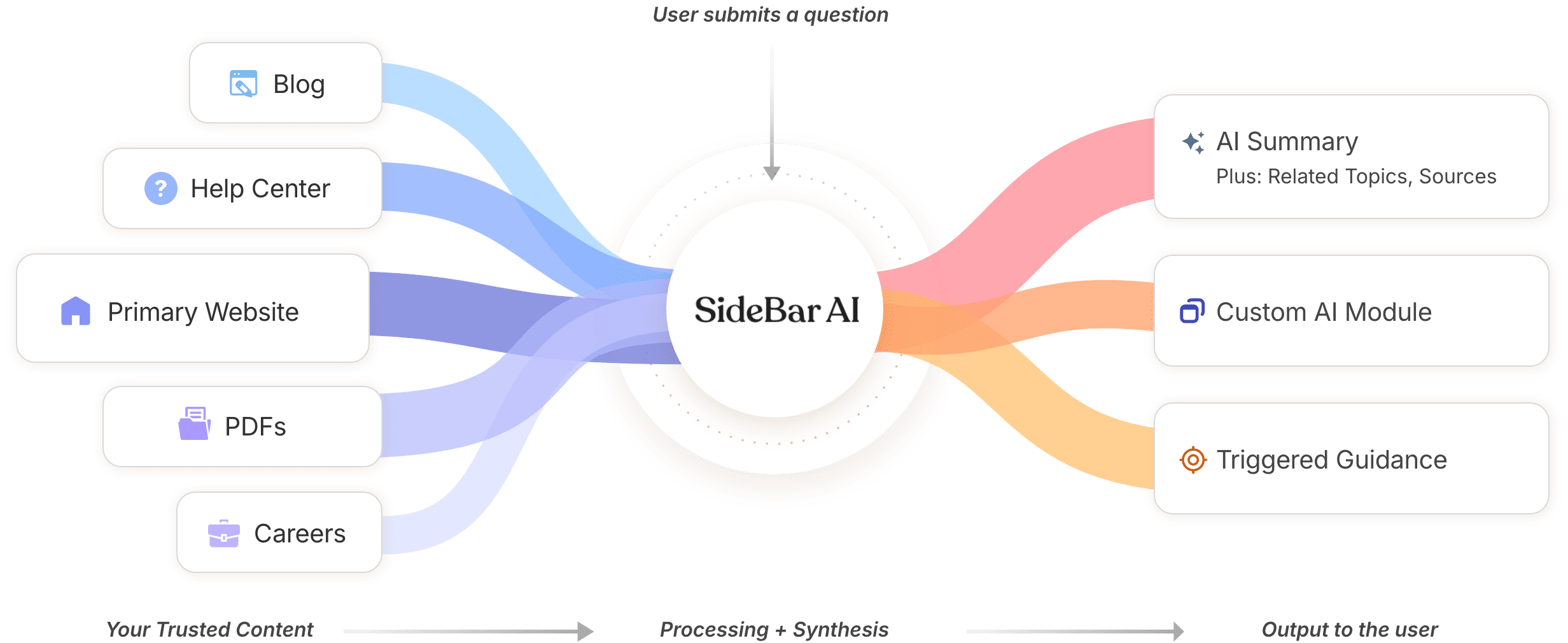
A clear, plain-language answer generated from your approved content -- paired with Related Topics to keep exploring and Sources so users can verify and trust what they are seeing.

SideBar AI is a conversational experience that helps people interact with your website more easily—by letting them ask questions instead of navigating menus.




SideBar AI gives users a more natural way to find what they need, by asking questions instead of deciphering menus, labels, and page hierarchies.

Traditional menus try to anticipate every possible user journey. Users are often left guessing and clicking through pages to find a single answer.

SideBar AI removes the need to guess. Instead of navigating menus, users can simply ask a question and receive a clear, direct answer.
SideBar AI is purpose-built for your website and uses only the content and sources you approve to generate every answer. Each result is structured to be clear, verifiable, and useful—summary, sources, and optional site-specific modules.
A clear, plain-language answer generated from your approved content -- paired with Related Topics to keep exploring and Sources so users can verify and trust what they are seeing.
When a question needs more than text, Sidebar AI can show a tailored module on the results page -- pulling the right details and connecting users to the best tool.
You decide what appears when certain topics come up --approved messages, links, and next-step prompts that match your priorities.


Here’s an example of how a single question can produce an AI Summary, custom module, and a triggered topic — on one results page.


Chatbots often sit on top of a website and guide users through scripted flows. SideBar AI integrates directly into your site experience, using your approved content to deliver clear answers.
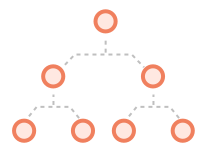
Follows predefined paths and button-based flows, with limited user choice.

Integrated into your site—thoughtfully answers open-ended questions.
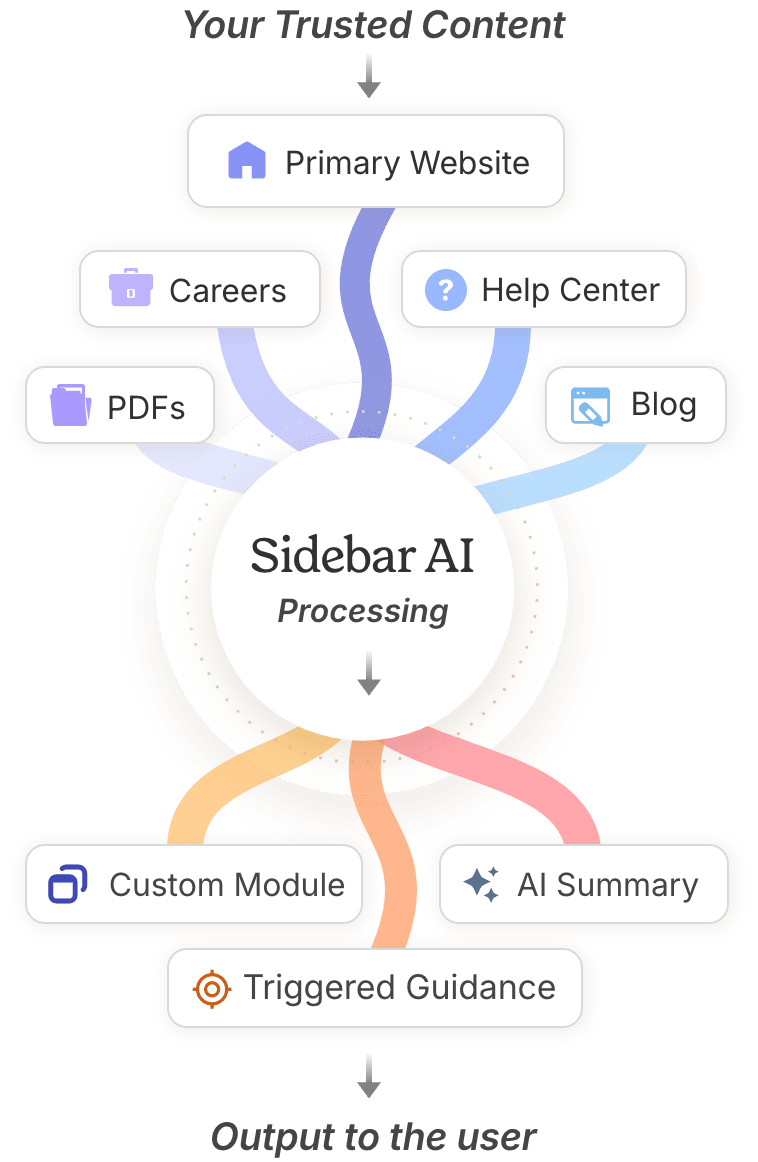
SideBar AI connects to your approved content sources — including your website, documents, and knowledge base — and brings them together into a single conversational layer.
Practical Applications by Industry.

Sidebar AI quickly points riders to the right schedule or route page, explains passes and reduced-fare eligibility, and how-to-ride basics. People can ask simple, everyday questions like:
• What’s the best route to my destination?
• How much is the fare?
• Is my line detoured today?
Sidebar AI helps customers quickly find answers about billing, outages, and account services. It can explain programs (like assistance or payment plans) and link to the right forms and service updates. People can ask questions like:
• Why is my bill higher this month?
• Is there an outage in my area?
• How do I start, stop, or transfer service?
Sidebar AI guides residents to the right services, forms, and policies—fast. It can summarize “what to do” steps for common requests (permits, utilities, waste, parking) and link directly to official pages. People can ask questions like:
• When is my trash and recycling pickup?
• How do I apply for a permit?
• Where do I report a pothole or issue?
Sidebar AI helps prospective students, current students, and staff quickly find clear answers across admissions, registration, financial aid, and campus services. It can summarize steps, point to the right forms, and link to the official policy or office page. People can ask questions like:
• What are the application deadlines?
• What is the average GPA/test score?
• How do I apply for financial aid?
Sidebar AI gives customers instant, product-specific help—setup steps, troubleshooting, compatibility, warranties, and returns—based on the brand’s official support content. It helps people self-serve confidently and get to the right answer (or the right link) quickly. People can ask questions like:
• How do I set this up or connect it?
• Why isn’t it working—and how do I fix it?
• What’s the warranty or return policy?
SideBar AI has been penetration tested and is built with security, accuracy, and governance in mind.

Built-in safeguards help prevent prompt injection, jailbreak attempts, misuse, and inappropriate topics.

Responses are sanitized before they reach the browser (not relying on AI to do so), reducing the risk of malicious scripts or unsafe markup.

Runs under strict Content Security Policy and Cross-Origin settings to limit what can load and protect against cross-site scripting risks.

Sessions are isolated and do not have access to data from other chat sessions.

Session-to-response validation helps prevent responses from being reused or misapplied across sessions.

User queries are owned by the client and are not used for training, aligned with governance expectations for public-facing services.

Designed for ongoing monitoring and oversight so teams can review performance and maintain confidence over time.


From broad entry points to focused, task-specific moments, SideBar AI adapts to meet users where they are.

Smart Support places Sidebar AI within a support center environment, helping users understand policies, processes, and options through conversation.


Smart Assist integrates Sidebar AI directly into key pages or tasks, providing focused guidance that helps users move forward without breaking their flow.

Smart Start introduces Sidebar AI as a site-wide entry point, helping users get oriented from the homepage or global navigation.
Ready to make your website more intuitive, accessible, and user-friendly?
REQUEST A DEMO
SideBar AI is built by the world-class team of designers, developers, and innovators at Web Advanced.
For more than 25 years, Web Advanced has been trusted by public agencies, utilities, and forward-thinking organizations to design and build exceptional digital experiences.

A tailored walkthrough based on your questions.

